Guests scan. You print. Everyone takes the night home.
Magmentify turns your guests' phones into the photo booth. They scan a QR code and snap a photo, and you hand them a magnet while the music is still playing.
- No app for guests to install
- Hebrew and English
- From $3.73 an event

- an event, on the best-value plan
- from$3.73
- apps for a guest to install
- 0
- AI looks to choose from
- 5
Where the night ends up
On the fridge door, the morning after.
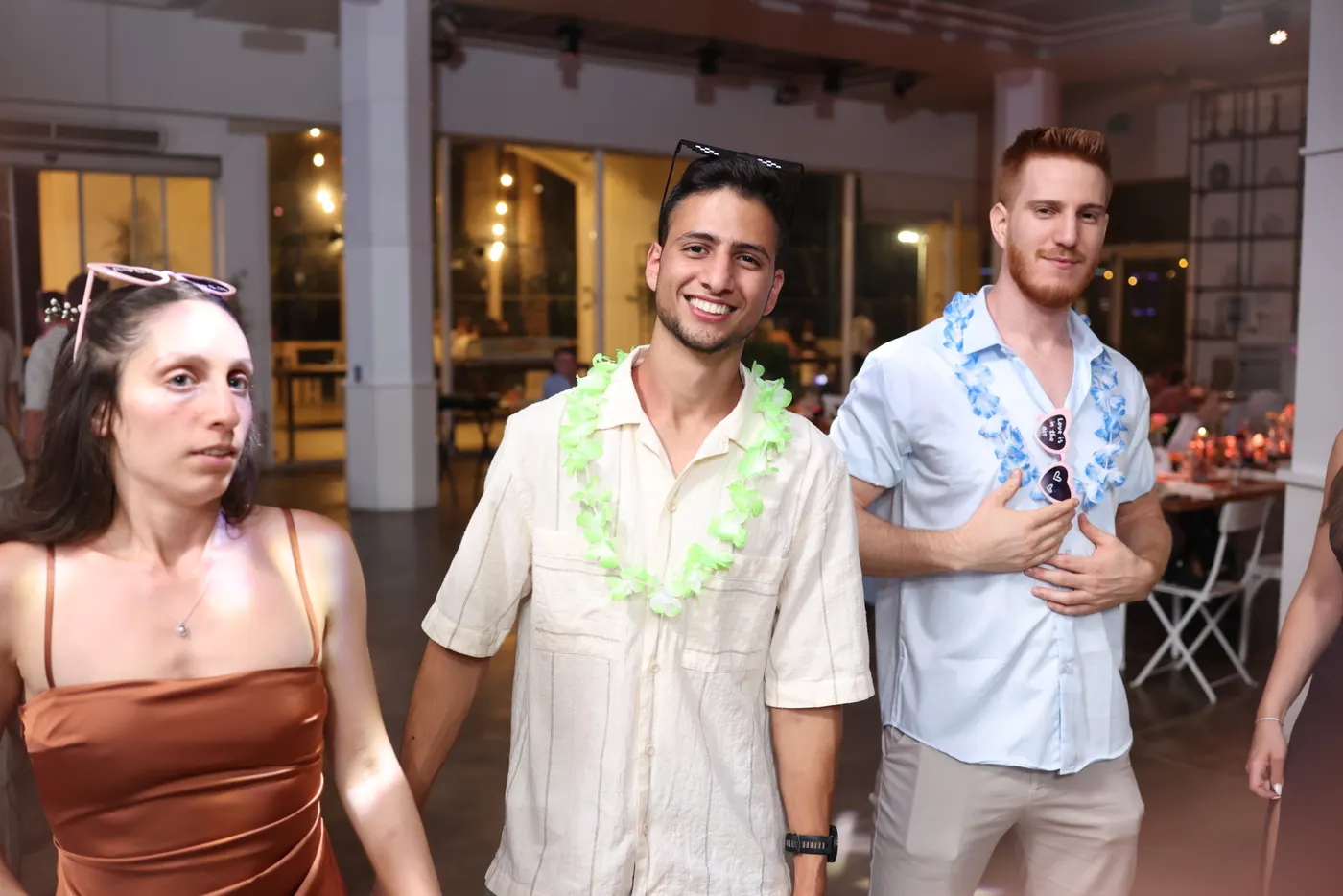
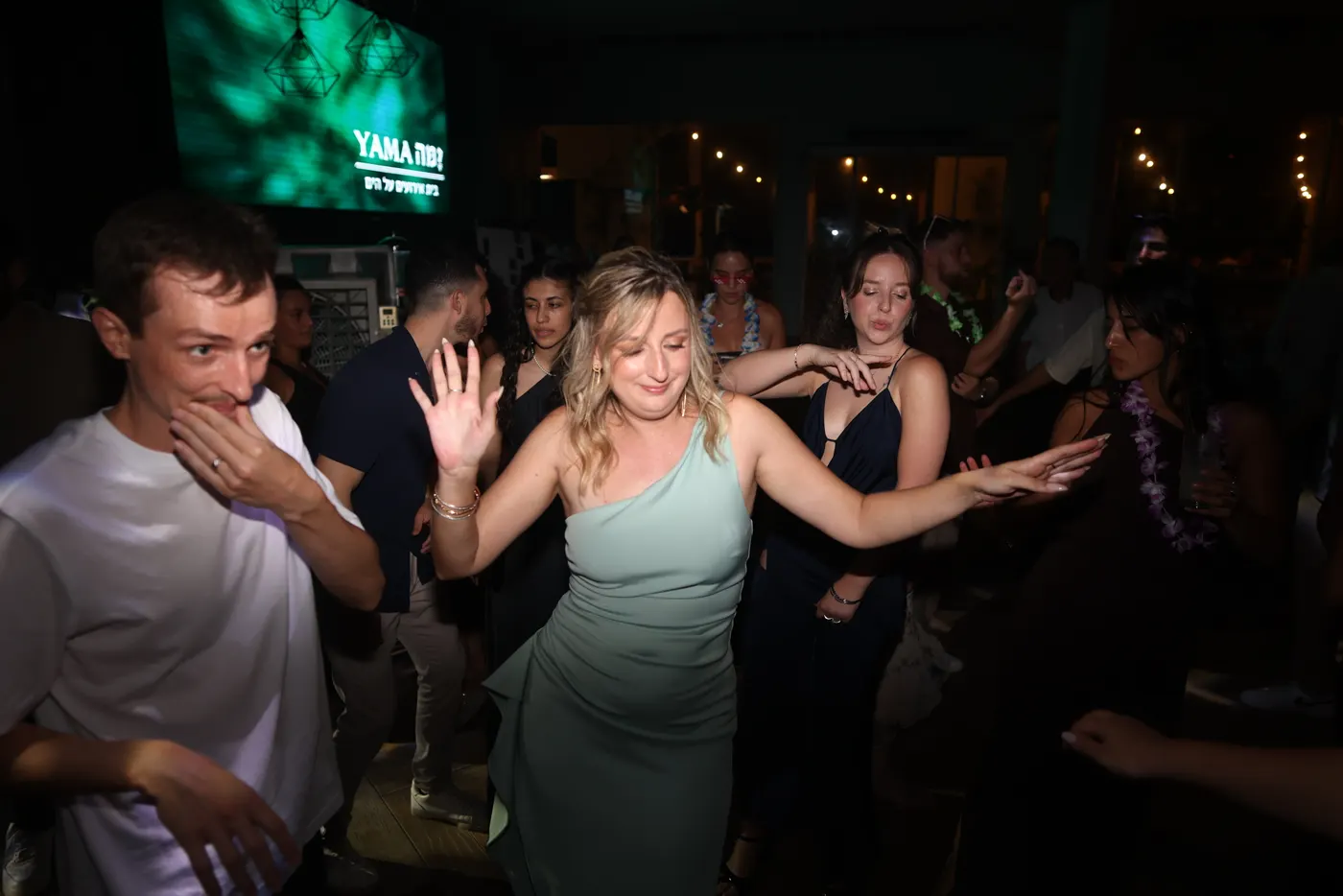
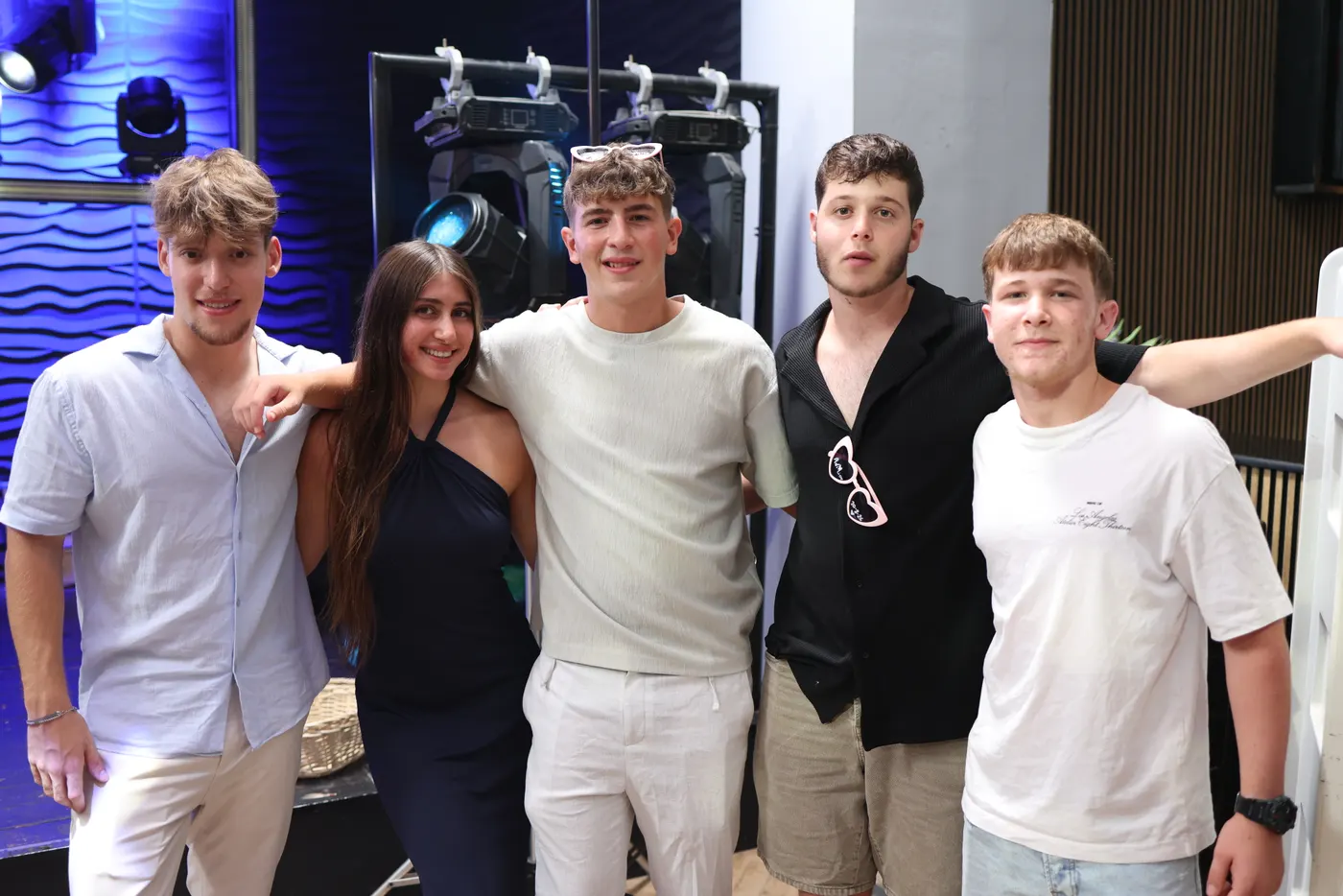
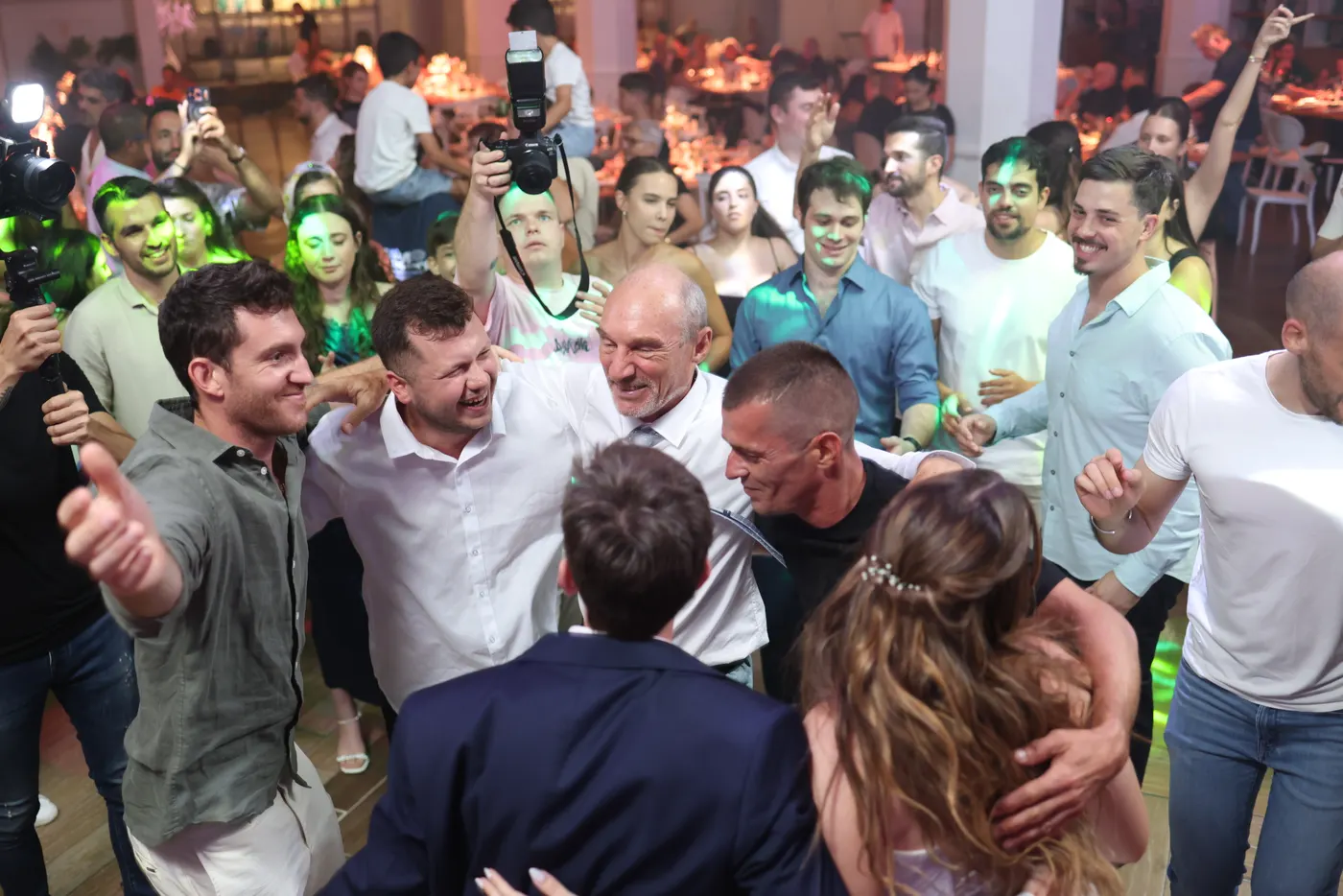
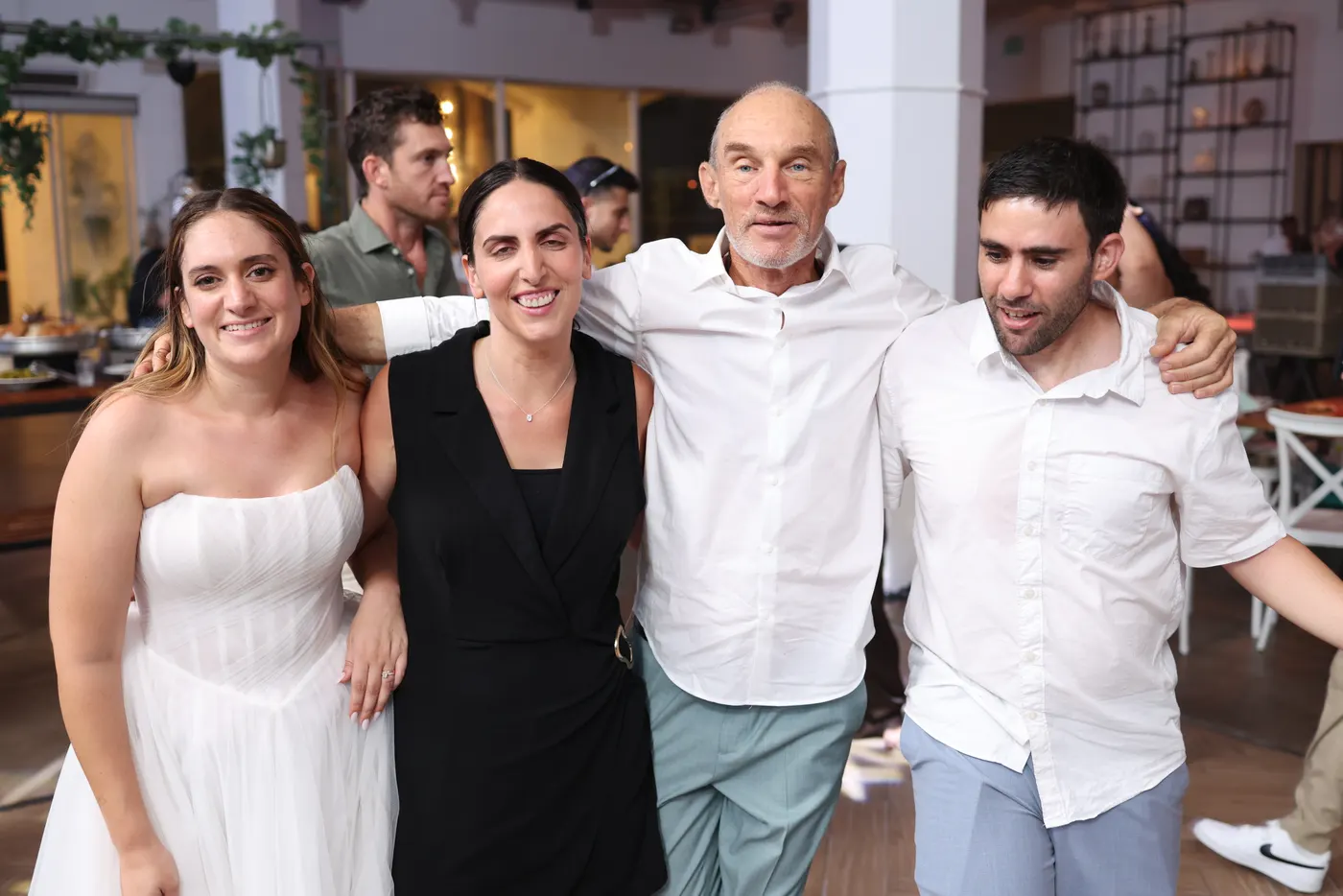

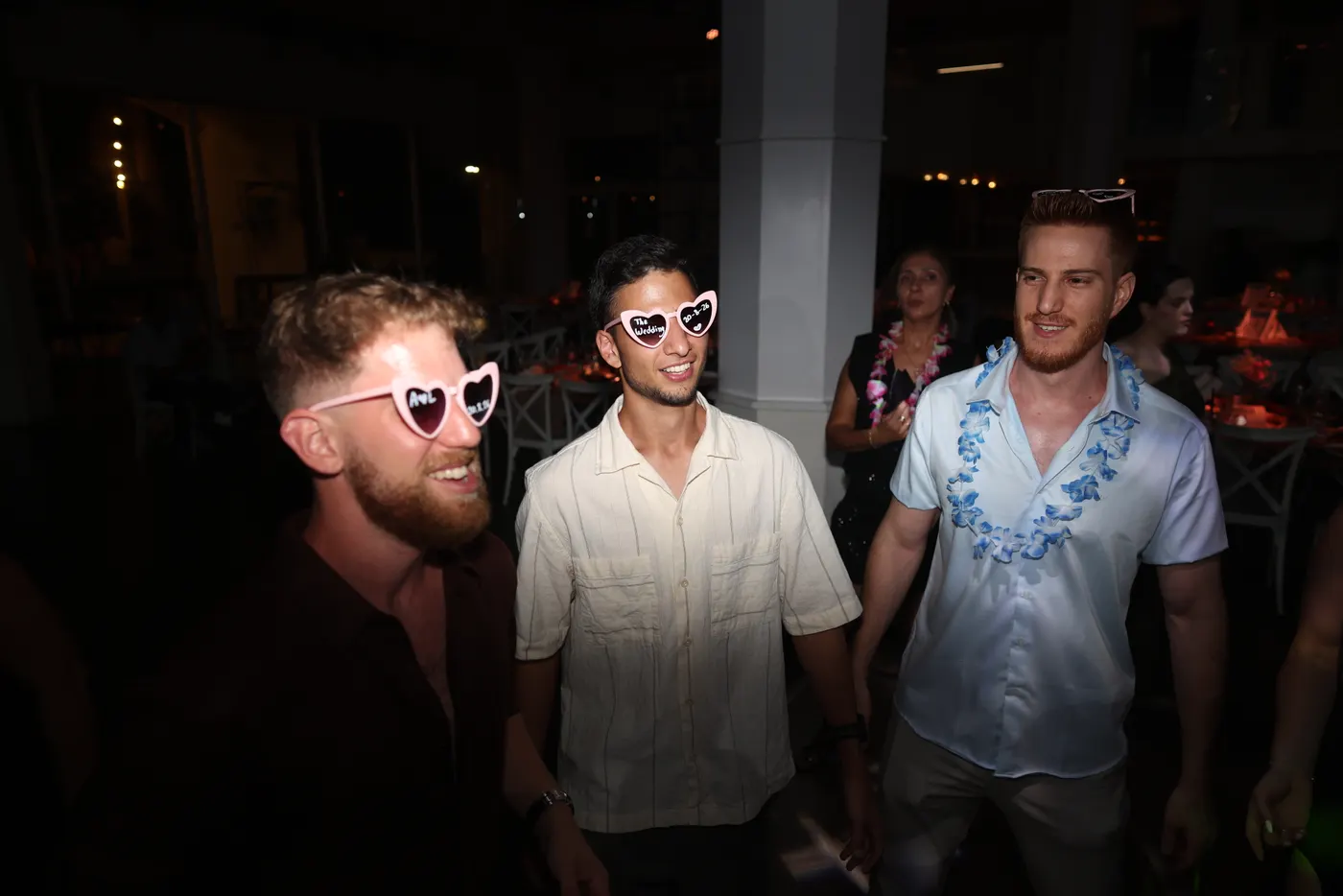
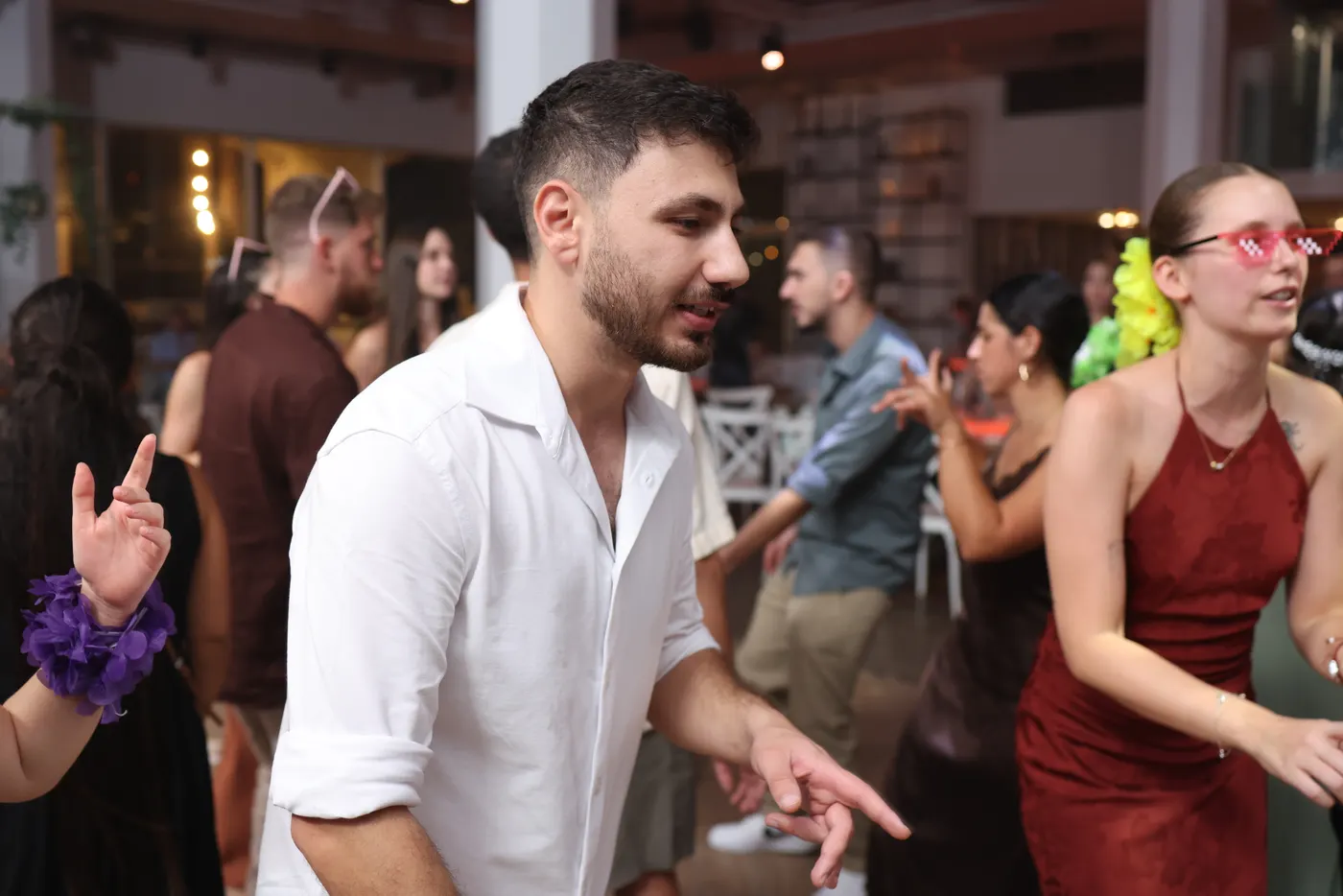
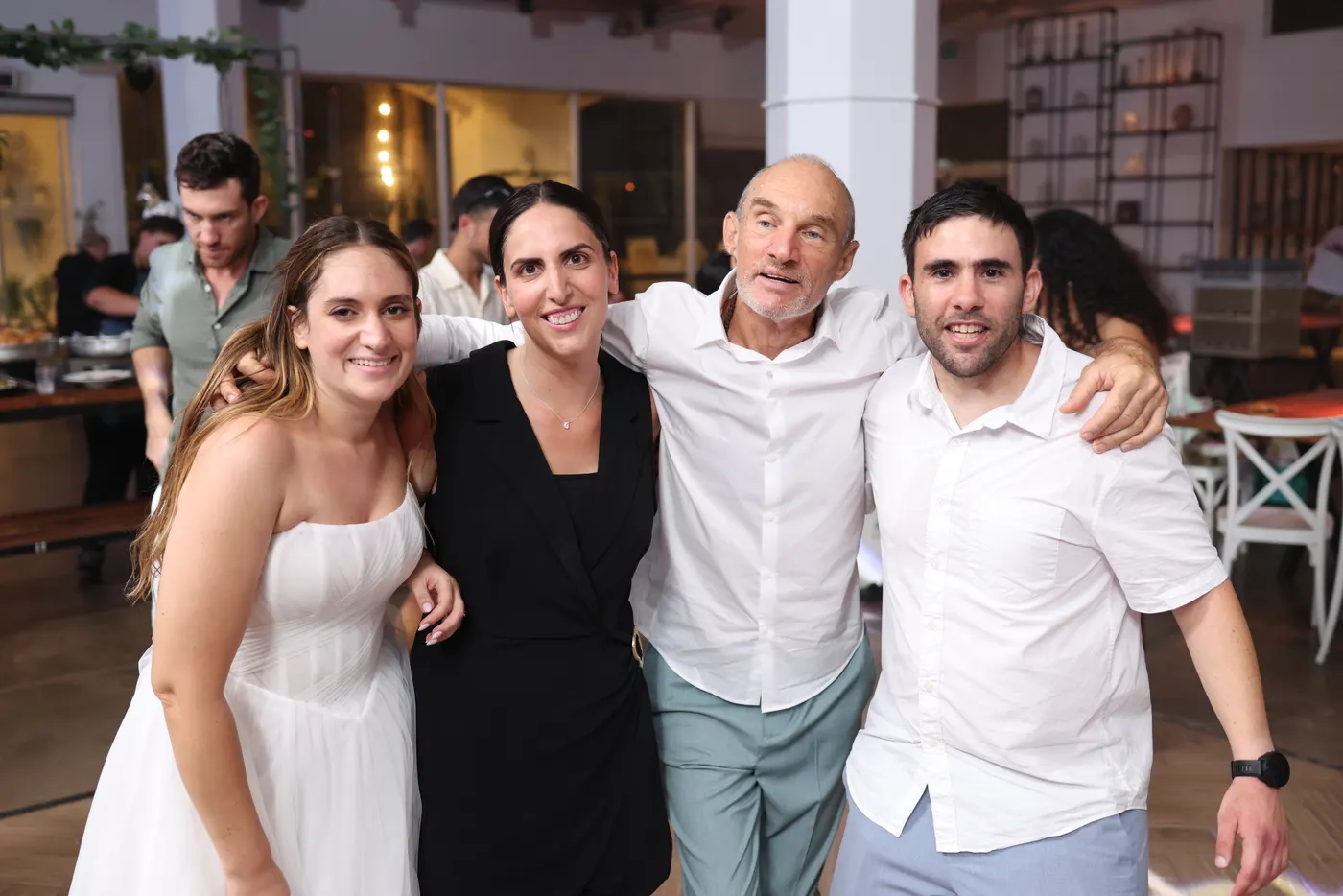

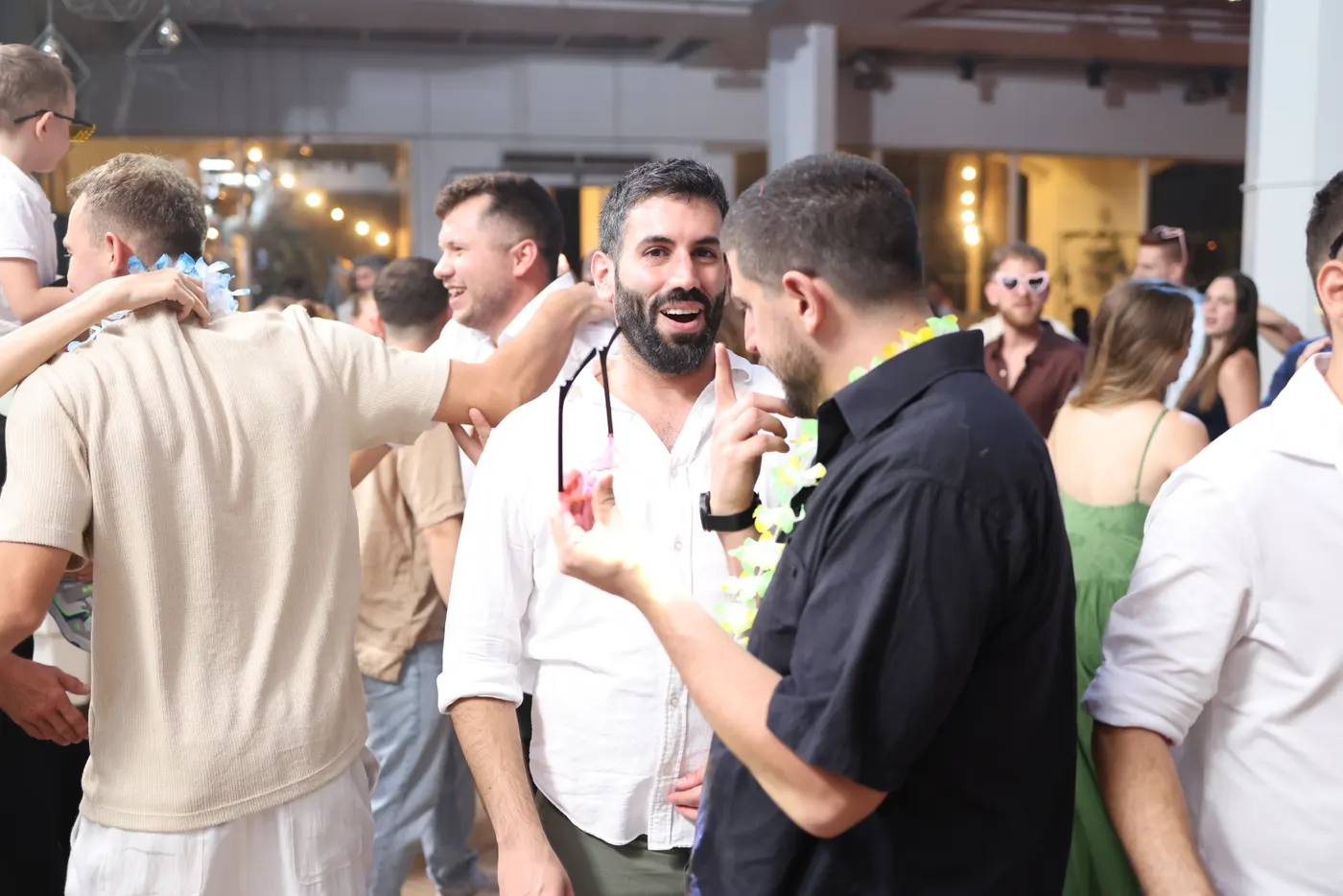

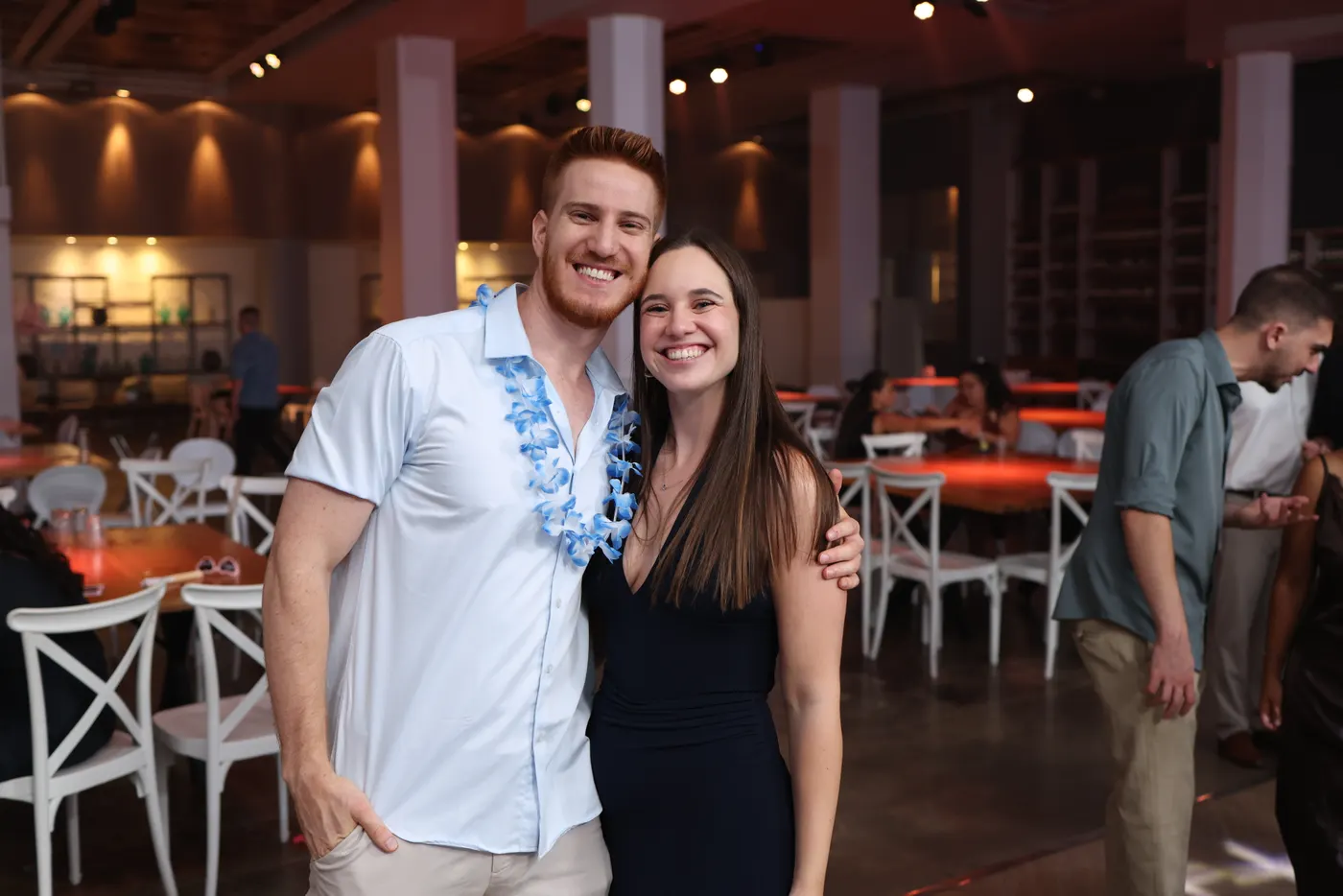
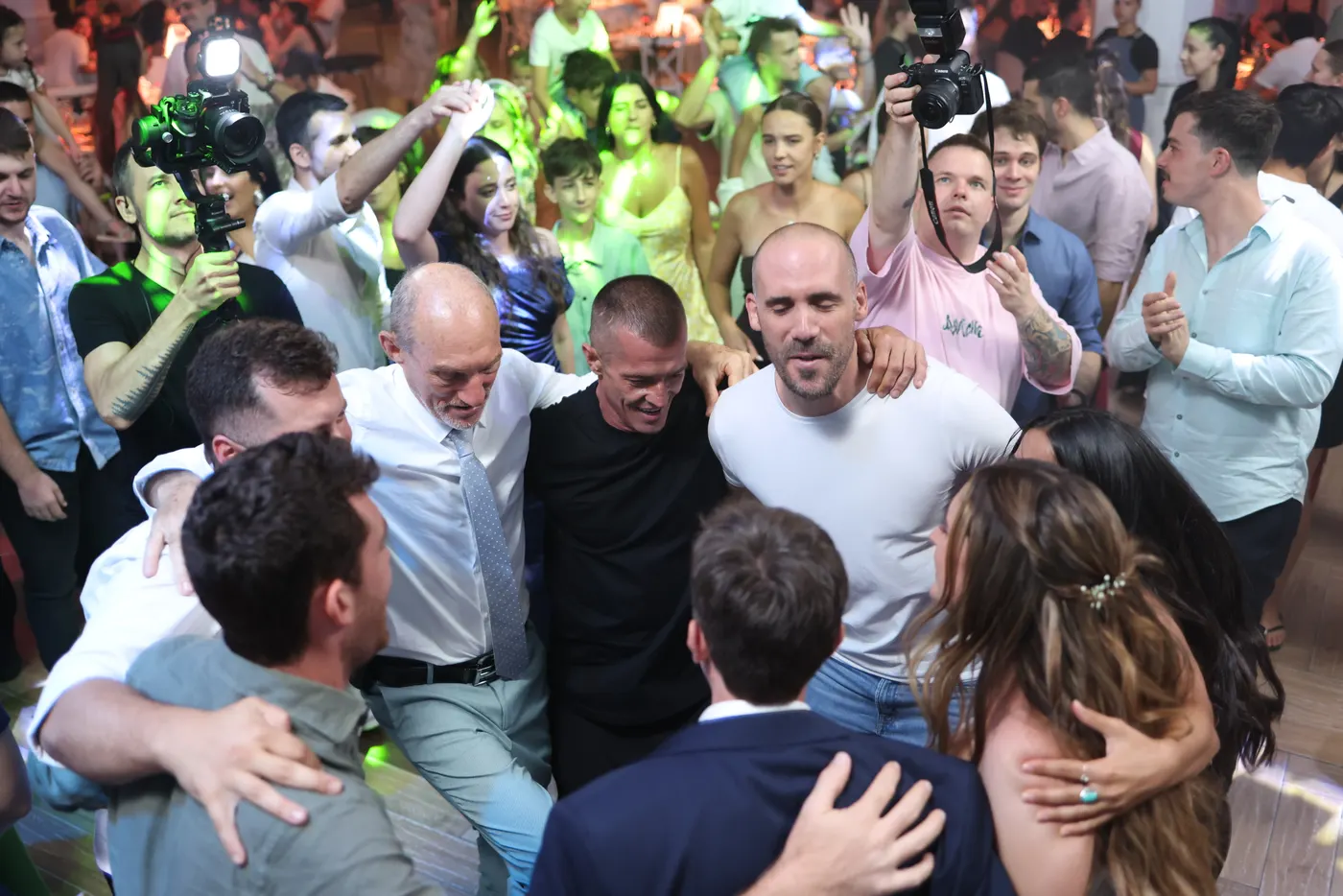
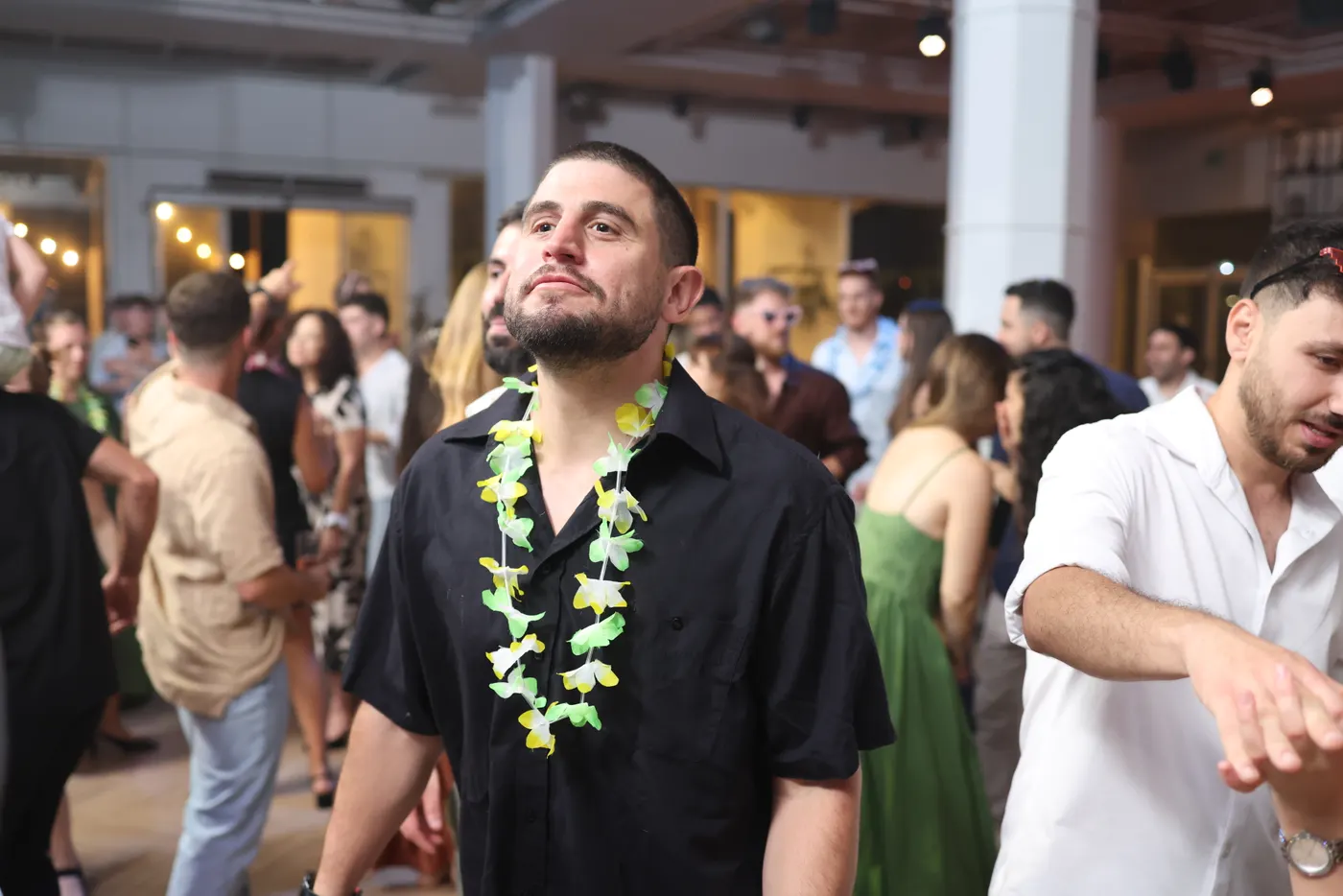
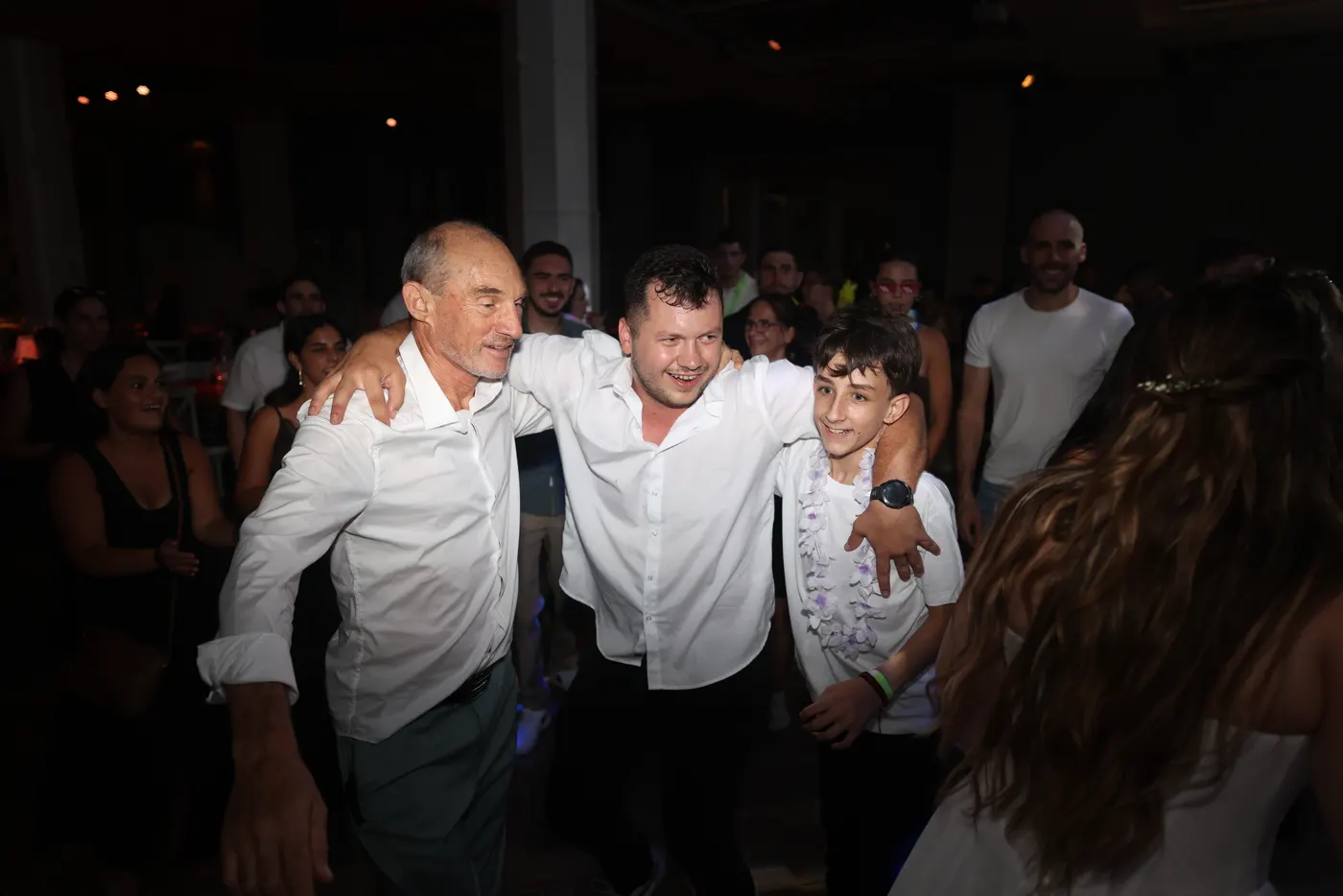
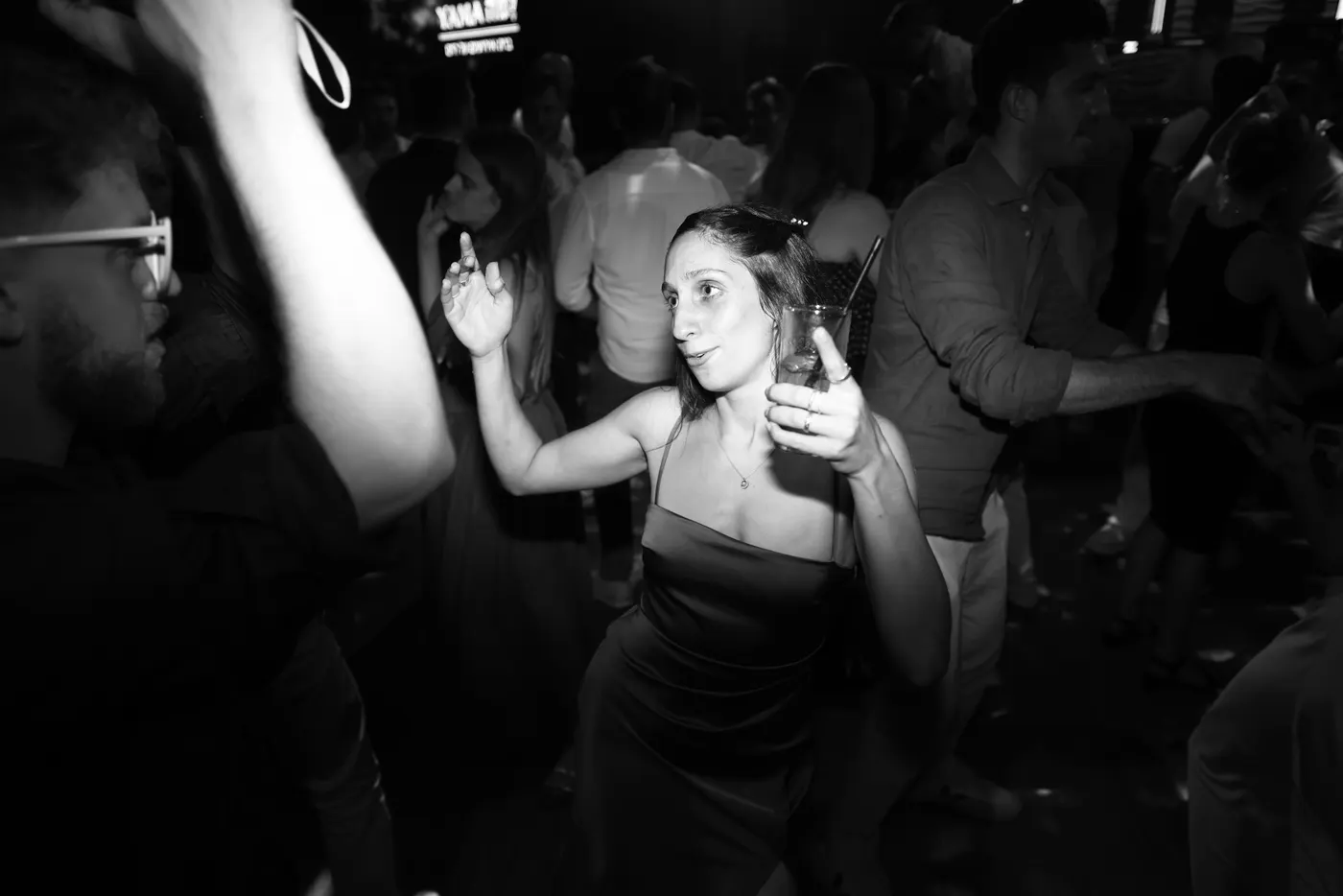
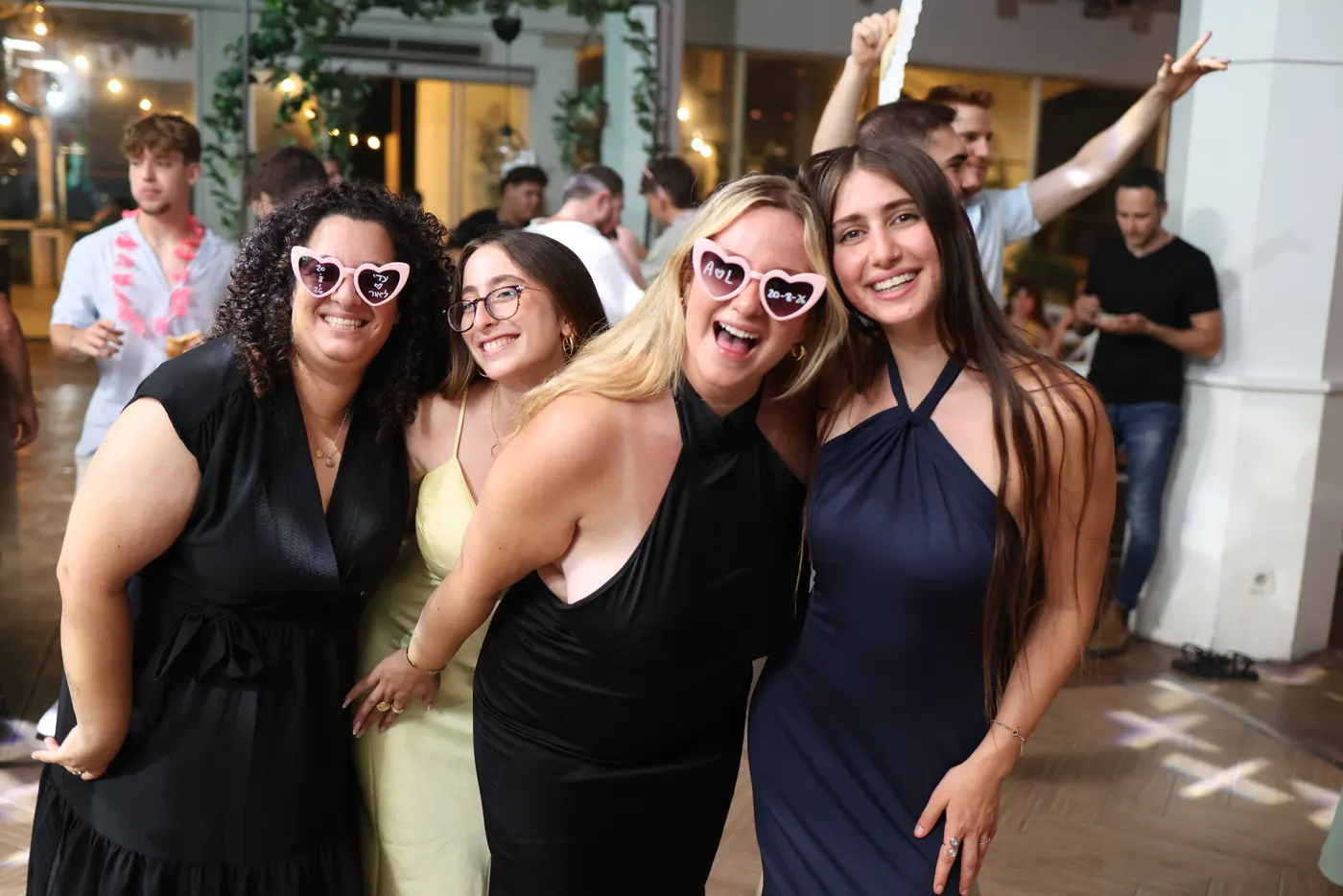
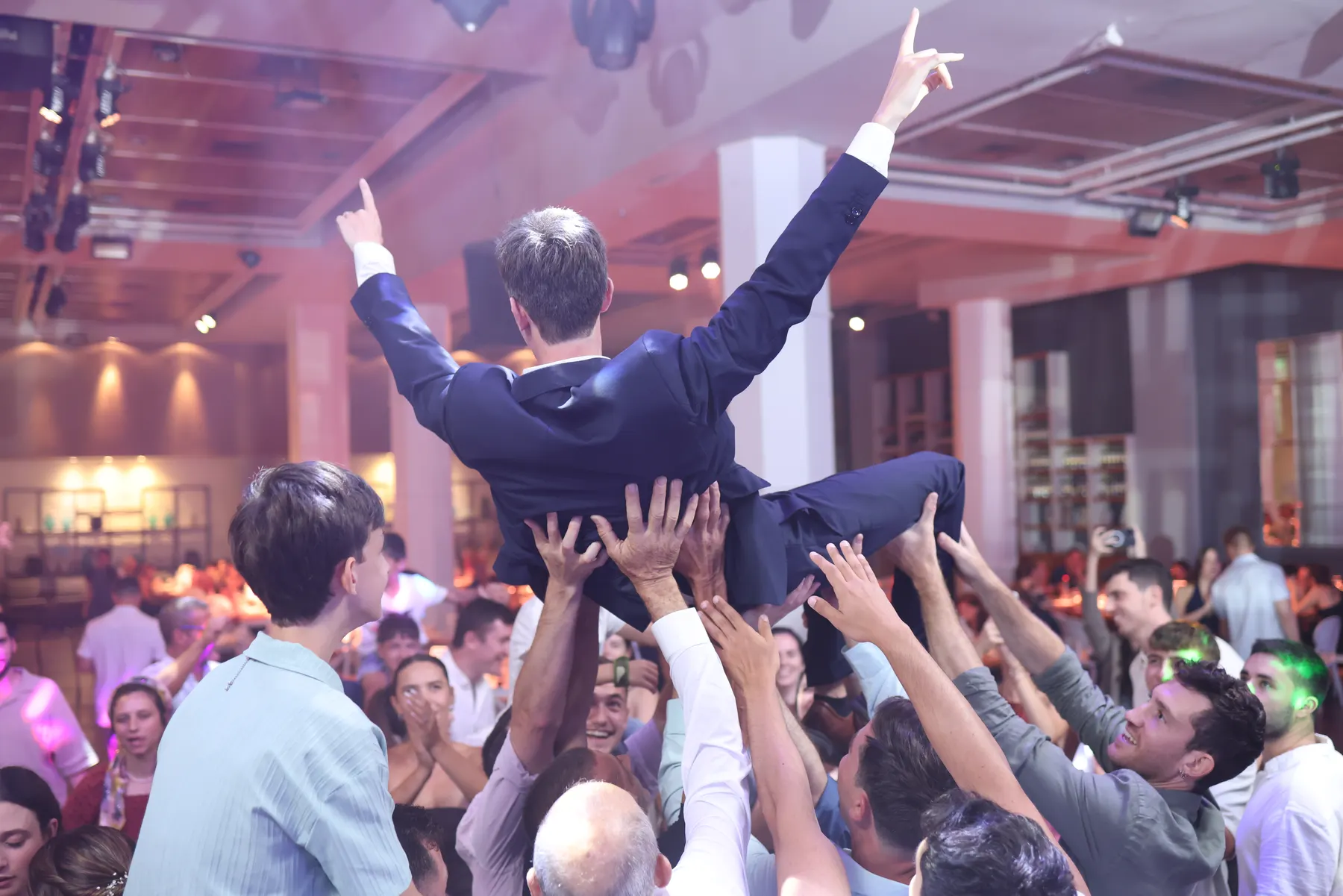
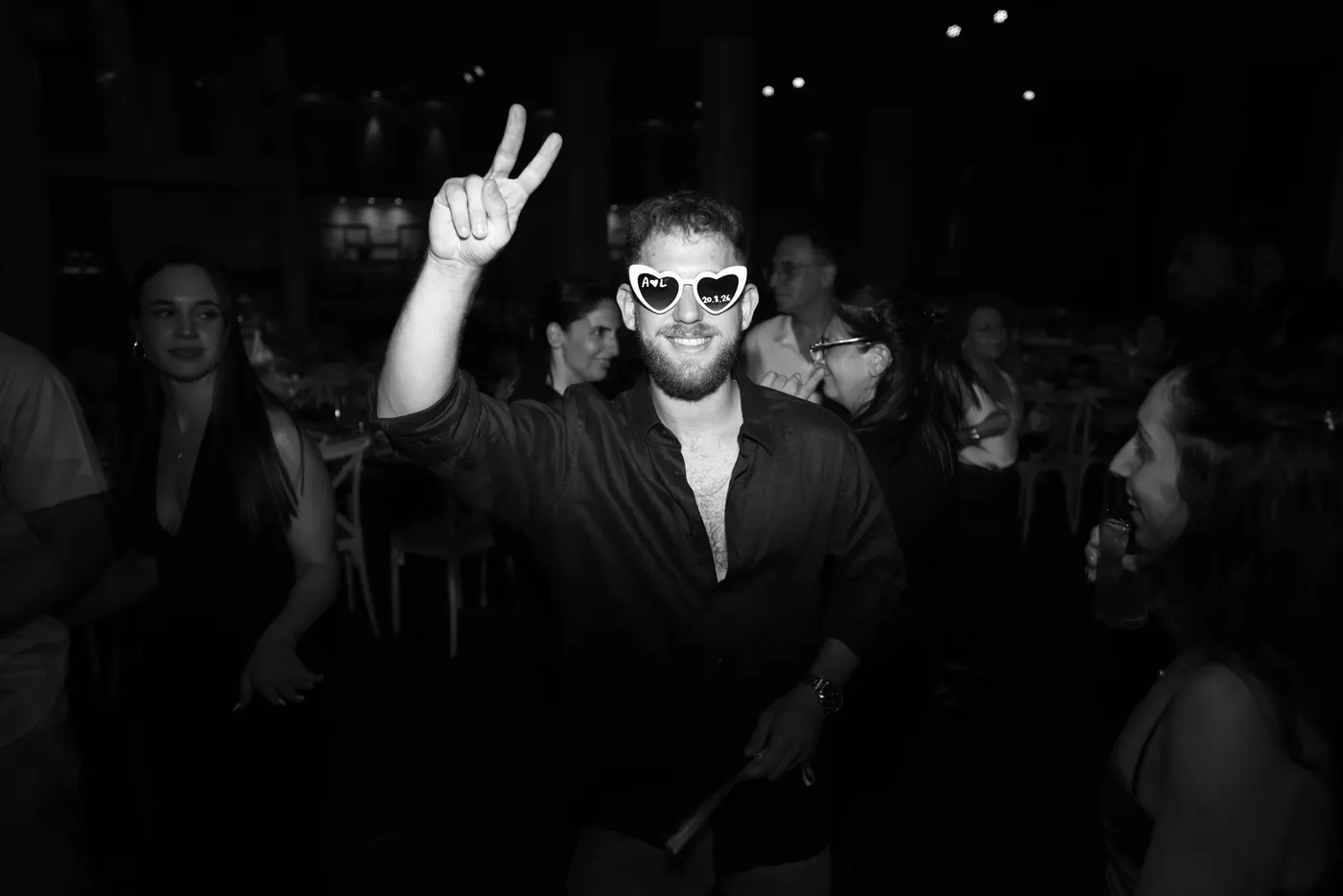
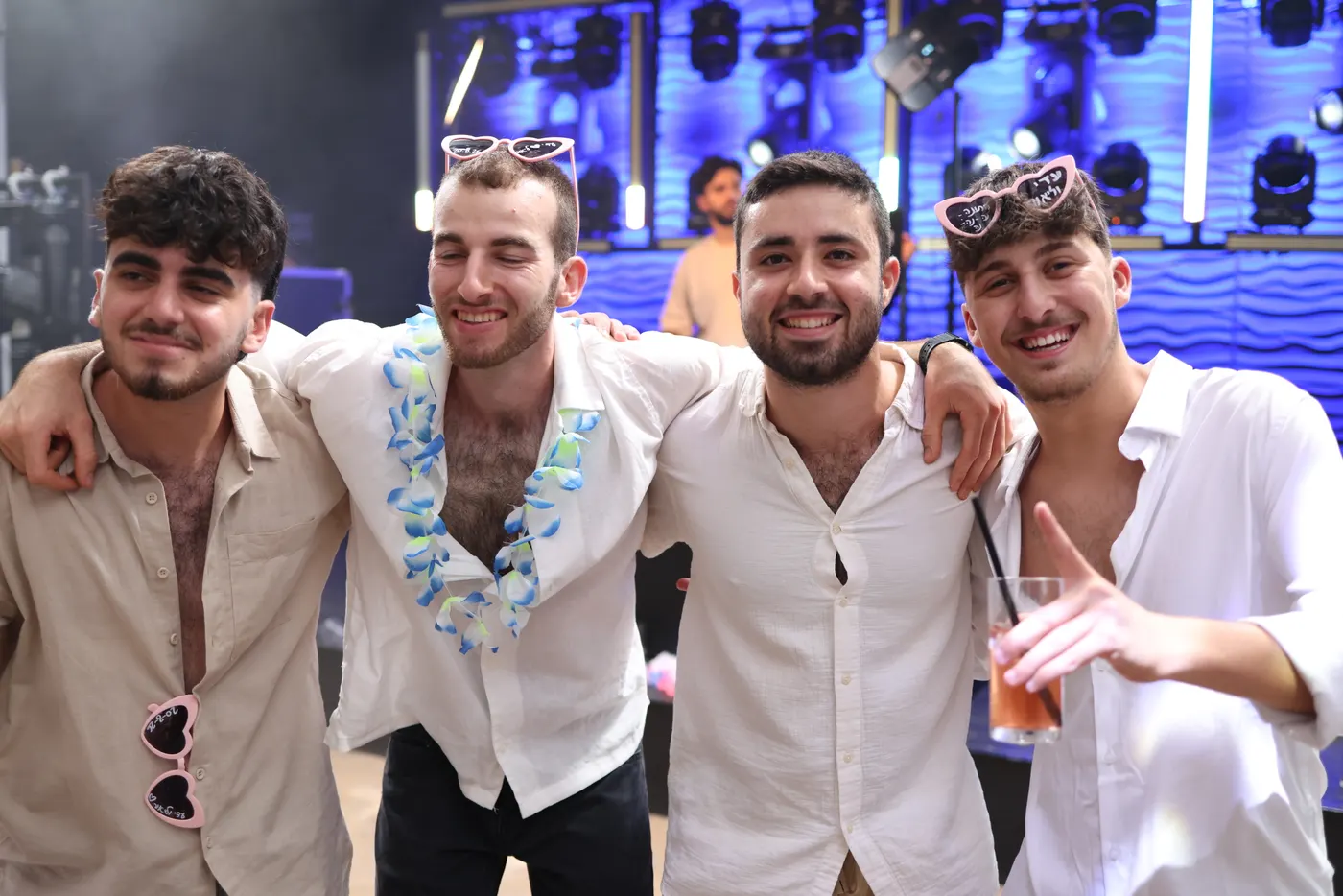
Every photo on this page is from a real wedding.
Everything a magnet stand needs
From the QR code on the table to the sheet in the cutter.
QR-code uploads
Guests scan the sign on the table, take a photo or pick one, and it's in your queue in seconds. No app, no account.
Sheets that lay themselves out
Pick the paper in your printer and how to cut it (four magnets, two larger ones, one full sheet, or photo strips of three), and every sheet is ready to cut. A vertical photo gets a vertical magnet, so nobody loses their head.
Your border on every magnet
Upload your own, or design one: a frame, hearts or stars, the couple's names, your phone number. It turns with the photo.
AI photo styles
Guests pick a look and their photo is redrawn as an anime frame, a comic-book cover or a storybook page before it prints.
A gallery they come back to
After the party, guests browse and download every photo, and tap their own face to find the ones they are in.
You run the night
Pause uploads for the ceremony, cap the copies per photo, rescue a dark dance-floor shot, and add operators who each sign in as themselves.
How it works
Three steps, and the middle one is your guests doing the work.
Create your event
Name it, pick a date and a border, and print the QR sign for the tables. Under a minute.
Guests send from their phones
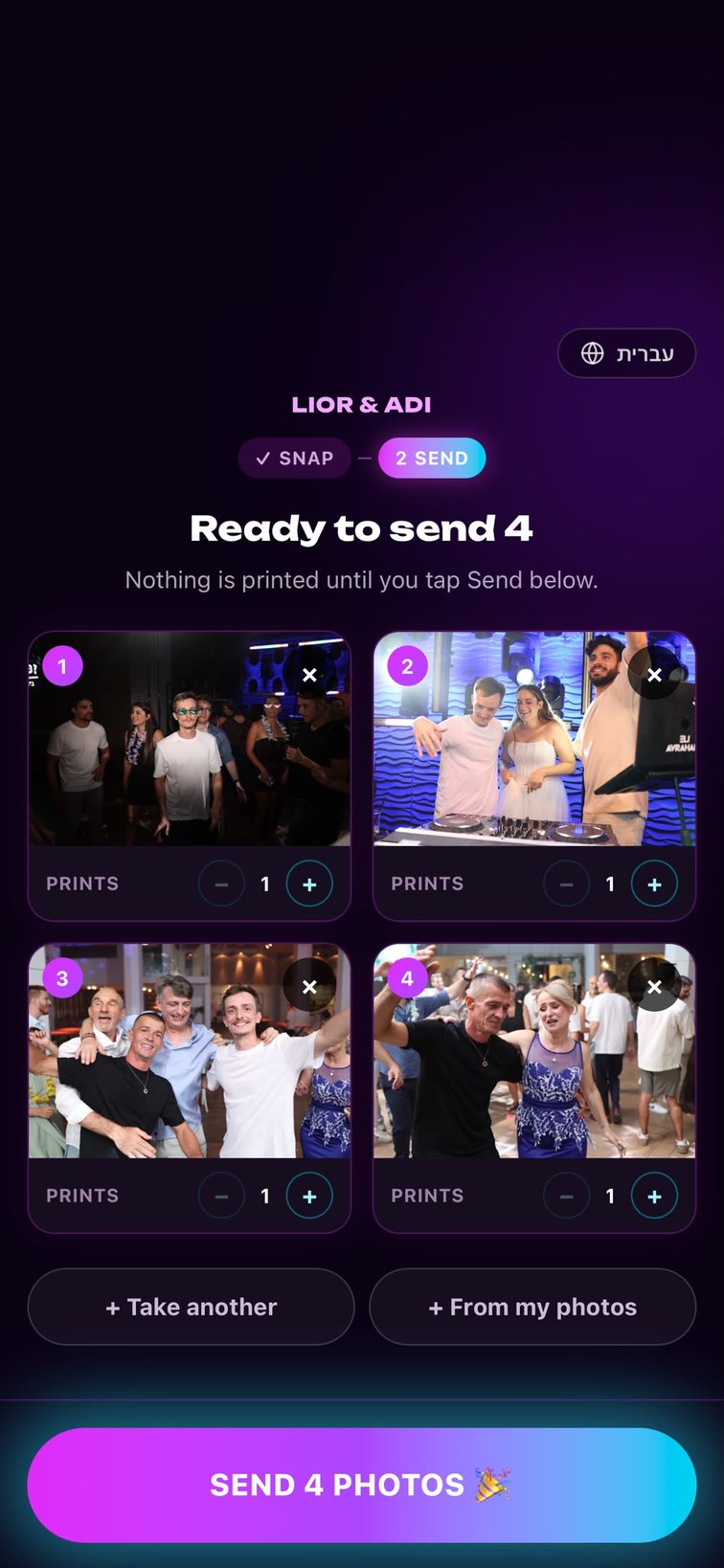
They scan, snap and send. You watch the photos land in your queue live, no memory card to wait for.
Print, cut, hand over
Print ready-to-cut sheets straight from the dashboard and hand out magnets while the party is still going.
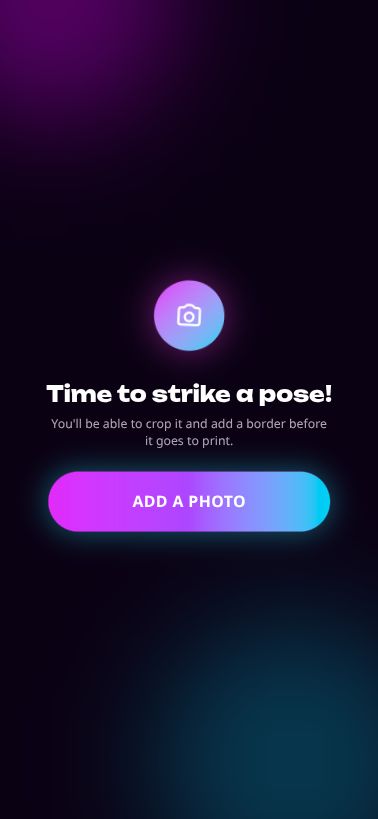
This is what your guests see
No app to install, no account to make. Just a link from a QR code.
Tonight, everyone is a cartoon
Guests pick a look when they send a photo, and it is redrawn before it prints: the same people, the same pose, a different world. The photo as taken is always kept, so you can print either one.
The looks
- AnimeA hand-painted animated film still.
- 3D cartoonA frame from a 3D animated movie.
- Comic heroEveryone as a comic-book superhero.
- StorybookA classic storybook illustration.
- WatercolorA loose watercolor painting.
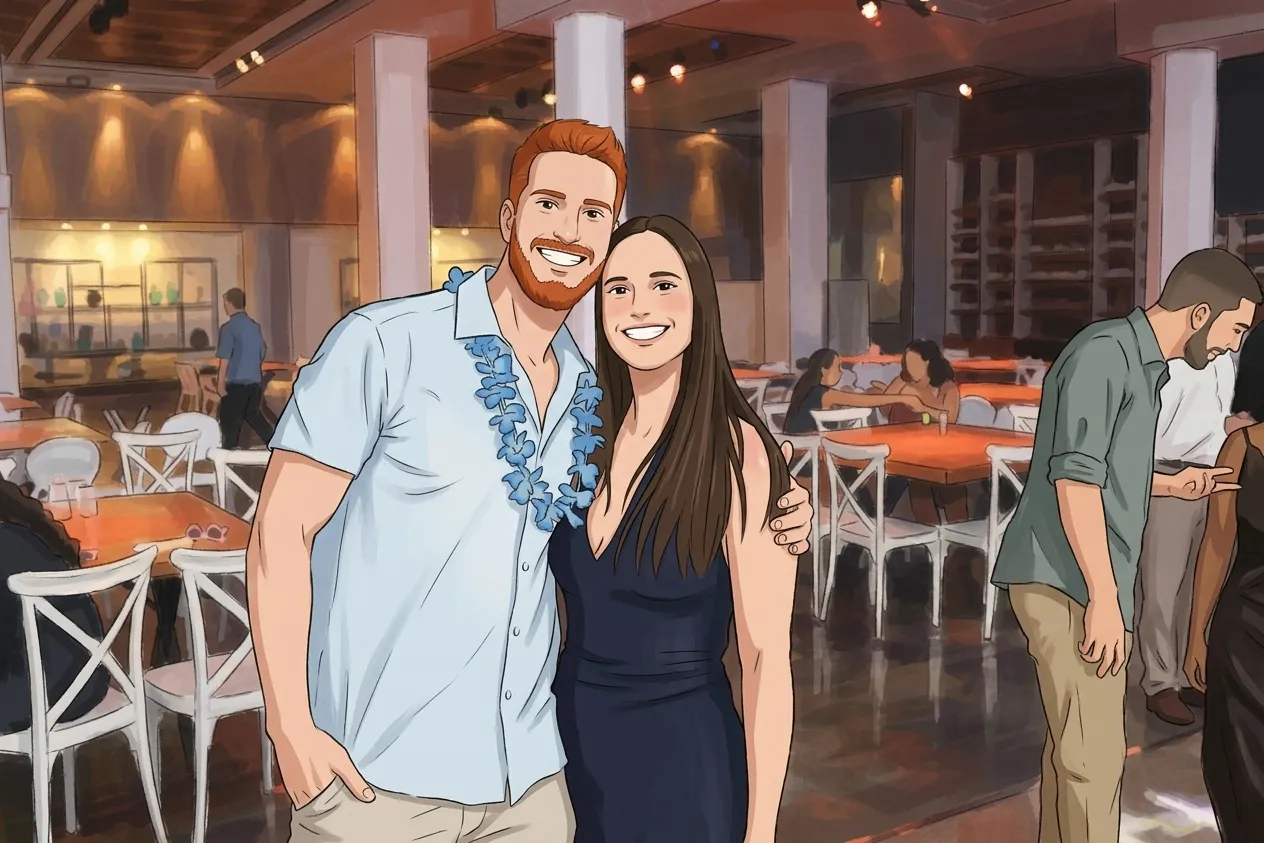 🌸 AnimeOriginal
Real wedding photos, redrawn by the looks above.
From their phone to the fridge door
What you see on screen is the sheet that comes out of the printer.
- 1 to 6 magnets a sheet, or 2 photo strips of 3, on 4×6, 5×7, 6×8, 5×5, 6×6 paper
- Crop, straighten and fix the light and colour before you print
- Prints and sheets counted per event, so you know what a night used
Simple, transparent pricing
Switch plans any time from your dashboard.
One flat price a month, with no charge per photo or per print. That comes to as little as $3.73 an event.
Questions, answered
Whichever side of the camera you are on.
For photographers and operators
What do I need at the event?
A laptop with a browser, your photo printer and its paper (4×6, 5×7, 6×8, 5×5, 6×6), and the QR sign on the tables. Guests bring the cameras: their own phones.
Do guests have to install an app or sign up?
No. The QR code opens a web page. They take a photo or pick one, choose how many prints, and send. That is the whole thing.
How does printing work?
Photos land in your print queue as they are sent, and a photo strip a guest made lands as one thing, its photos together. Select what to print, pick the paper in your printer and a layout for the sheet, and it is laid out for you with cutting lanes. You can crop, straighten and fix the light and colour of any photo first, and the page counts the prints and sheets each event has used.
Can I put my own branding on the magnets?
Yes. Every plan lets you upload a border image of your own. Growth and Pro add a border designer: a frame, decorations, and lines of text such as the couple's names or your phone number, which turn with a vertical photo.
Can I control when guests send photos?
Yes. Pause uploads with one switch (during the ceremony, say), schedule the hours uploads are open, cap how many copies a guest may ask for, and close the event when you are done.
What are AI photo styles, and what do they cost me?
A guest picks a look and their photo is redrawn in it by an AI image model before it prints. Growth includes 300 styled photos a month and Pro 1500, at no extra charge; Starter has none. You turn it on per event, the photo as taken is always kept, and you can print either.
Can my team work an event with me?
Yes. Growth has 3 seats and Pro 10. Everyone signs in as themselves, with two-step verification if they want it, and sees every event of the company. Admins manage the events, the team and the plan; operators work the print queue.
What happens to the photos after the event?
They are kept. On Growth and Pro you can keep cropping and printing any time afterwards, and the guest gallery stays open. On Starter the event closes for work the day after it.
Which languages does it speak?
Hebrew and English. You choose the language guests meet per event, sign and all, and each operator chooses their own for the dashboard.
How does the pricing work?
One monthly price by how many events you run. There is no charge per photo or per print, and you can switch plans whenever your season changes.
For guests and hosts
How do I send a photo?
Scan the QR code on the sign at the event. Take a photo, or pick one from your phone if the host allows it, and tap Send. It goes straight to the magnet stand's print queue.
What is a photo strip?
3 photos printed one under another on a single strip, like a photo booth's. Where the event offers them, you take the 3 in a row on your phone, retake any you don't like, and send them together; they are printed together, in the order you took them.
Do I need an app or an account?
Neither. It is a web page that opens from the QR code, and it never asks who you are.
How many magnets can I get?
You choose how many prints of each photo when you send it, up to the number the event allows.
Will my photo be cut off on the magnet?
Your photo is sent whole, exactly as you took it. The operator chooses which part goes on the magnet, and a vertical photo gets a vertical magnet so the whole of it fits.
What is an AI style, and where does my photo go?
If the event offers them, you can pick a look, such as anime or comic hero, and your photo is redrawn in it before it prints. To do that the photo is sent to an AI service (Google's or OpenAI's). Leave it on 'Original' and it is not sent anywhere. Your original photo is kept either way.
Can I see the photos after the event?
If the host turned the gallery on, yes: open the event's link or enter its code to browse and download every photo. Where the host enabled it, a People view lets you tap your own face to see the photos you are in.
Who can see my photos?
The operator printing them, and, when the host turned the gallery on, anyone who has the event code. Finding faces is off unless the host turns it on, and it never stores a name. To have a photo removed, ask the operator at the stand.
I am planning an event. How do I get this?
Ask your photographer or magnet-stand operator whether they use it, or write to us below and we will point you to one.